

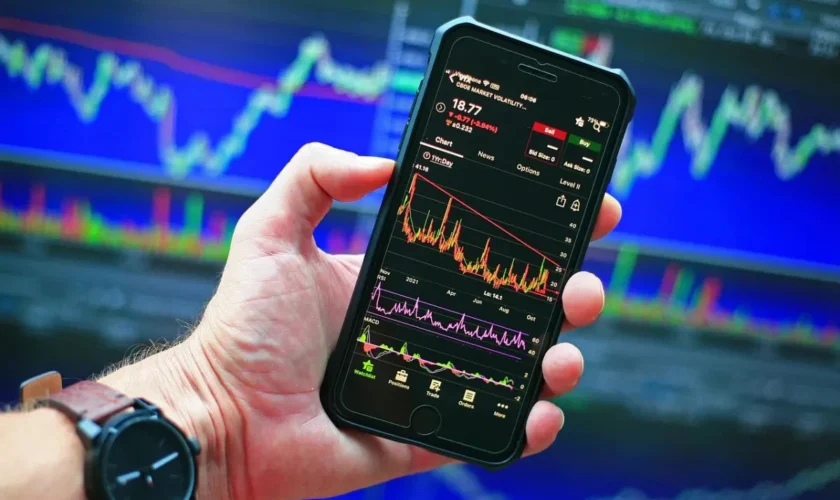
Most people begin on desktop. Big screen. Multiple charts open. Everything visible at once. Then one day they realize they want access while away from the desk. That is where metatrader 5 mobile comes in. Installing it is simple. You download the application from your device app store. Open it. Allow basic permissions. That part rarely causes problems. The real adjustment starts after installation. Because trading on a smaller screen feels different.
Logging in and securing your account
- After opening the app, you need to log into your trading account. Enter your login ID, password, and select the correct server.
- If the details are correct, live prices begin updating immediately.
- It feels familiar. But also not.
- On mobile, everything is compact. Tabs are hidden behind icons. Charts take up most of the screen. Navigation requires more tapping than clicking.
- Security matters more on mobile. Setting a strong password and enabling device lock adds an extra layer of protection. It takes seconds, but it is worth doing.
- Small habits protect larger decisions.
Understanding charts on a smaller screen
- Charts are still charts. But on mobile, space is limited.
- You can zoom in or out using finger gestures. Swipe to scroll through past price action. Tap to open indicators. Switch time frames easily.
- At first, it may feel slightly crowded.
- Then your eyes adjust.
- Most traders reduce the number of indicators on mobile. Clean charts are easier to read when space is tight. Too many tools create confusion quickly.
- Sometimes simple viewing works best when you are not sitting comfortably at a desk.
Monitoring positions while on the move
- Mobile trading is not about deep analysis. It is about staying connected.
- You can check open positions during a lunch break. Monitor price movement while commuting. Close a trade if conditions change unexpectedly.
- But serious chart analysis often remains better suited for desktop.
- Mobile is for flexibility. Not for overcomplication.
- And that distinction matters.
- Some traders try to do everything on mobile. It works for some. For others, it feels rushed.
Managing risk on mobile
Because mobile access is easy, overtrading becomes tempting.
Quick access sometimes leads to quick decisions.
Setting clear rules helps. For example:
- Avoid opening trades without prior analysis
- Use stop loss levels consistently
- Review trade logic before confirming
Mobile trading should support your strategy, not replace it.
That difference is subtle. But important.
Balancing desktop and mobile use
- Many traders eventually create a simple routine.
- Desktop for analysis and planning. Mobile for monitoring and small adjustments.
- This balance works well because each device serves a different purpose.
- Trying to force mobile into a full analysis role can feel limiting. At the same time, ignoring mobile convenience means missing flexibility.
- There is no perfect formula.
- Some prefer full mobile trading. Others rarely use it.
- Both approaches can work.
Frequently Asked Questions
Is mobile trading as reliable as desktop?
Yes, core functions operate similarly, though screen size changes the experience.
Can I use the same account on desktop and mobile?
Yes, you can log into the same trading account across devices.
Are indicators available on mobile?
Yes, though fewer customization options may exist compared to desktop.
Is mobile trading suitable for beginners?
It can be, especially for monitoring trades, but deeper analysis is often easier on larger screens.
Using metatrader 5 mobile adds flexibility to trading. It allows access anytime without being tied to a desk. The interface feels compact at first. Then it feels natural. With disciplined use and clear boundaries, mobile trading becomes a useful extension of your overall strategy rather than a distraction.